WebAdmin
WebAdmin provides administrative access to IceWarp services and server configuration, including core settings, accounts, and logs.
- WebAdmin portal – opened directly in a browser at
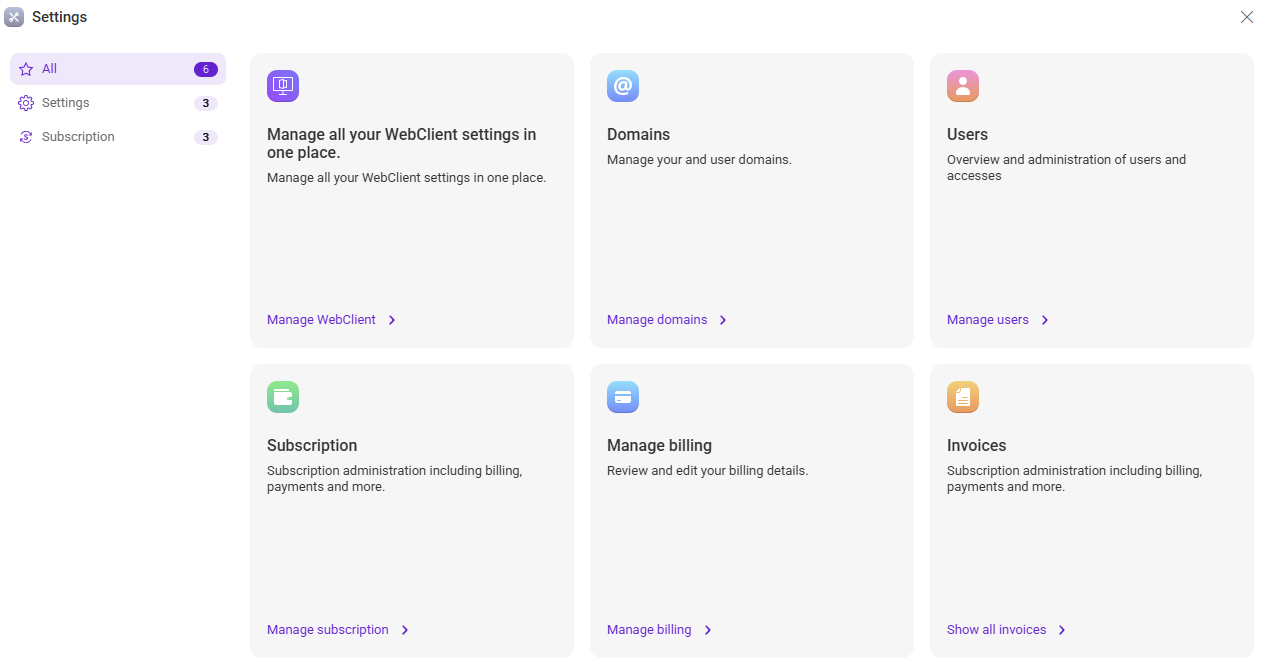
{server}/admin/for full server configuration. - WebClient settings – accessed via the Settings icon
 for quick, common administration tasks.
The available options depend on your administrator rights.
WebAdmin portal vs. Webclient settings
In short: Use the WebAdmin portal for complete configuration and advanced administration. Use the Webclient settings for everyday administrative tasks.
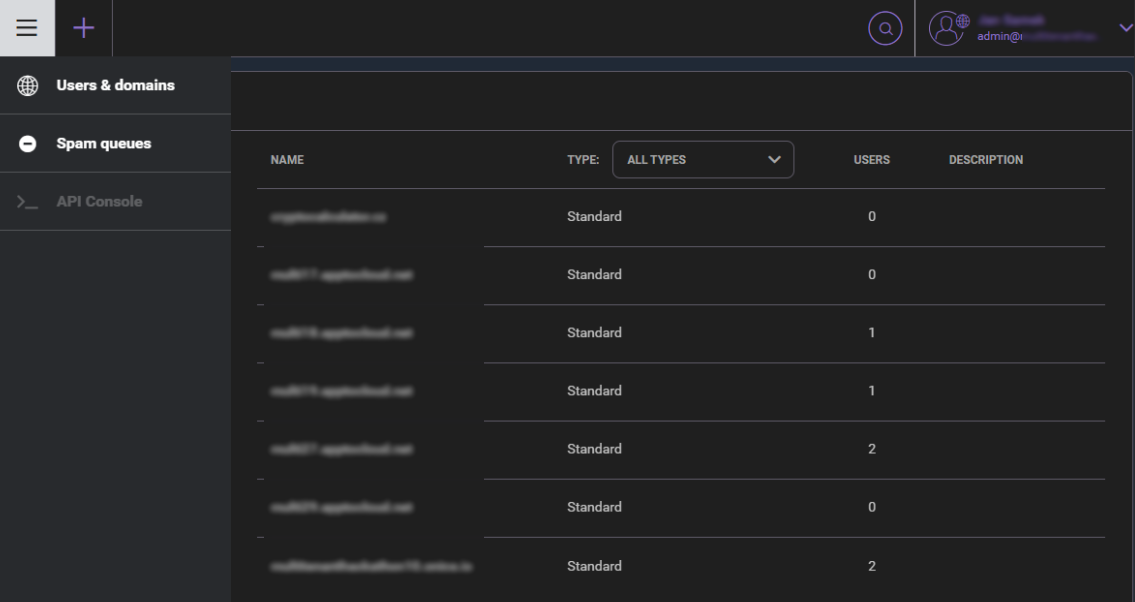
The full WebAdmin portal includes complete server configuration, advanced administration features, and access to the API console, which are not available in the WebClient settings.
Administrator Rights
Access to WebAdmin requires Domain Administrator, Web (server) Administrator, or System (Full) Administrator rights. Domain administrator rights are defined in the Accounts section.
A System (Full) Administrator can restrict permissions of other administrators. These restrictions are enforced based on the configuration stored in:
IceWarp/mail/{domain_name}/{admin_account}/adminperm.dat
This is the recommended method of managing administrator rights starting with version 11.3 of IceWarp Server.
Next Steps
Continue to the specific administration areas to configure your environment:

